
ADVERTISEMENT

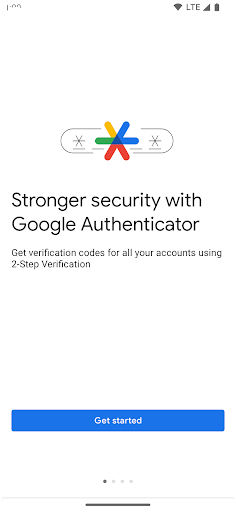
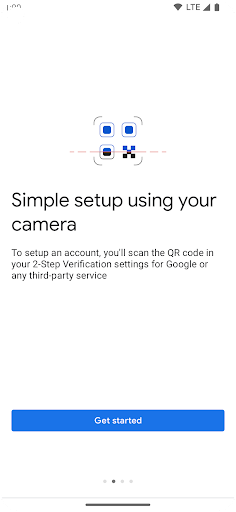
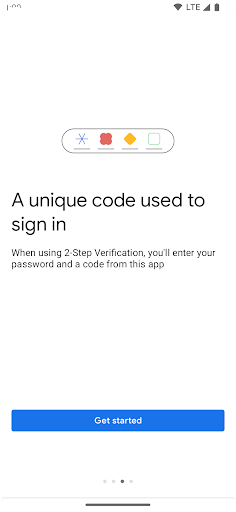
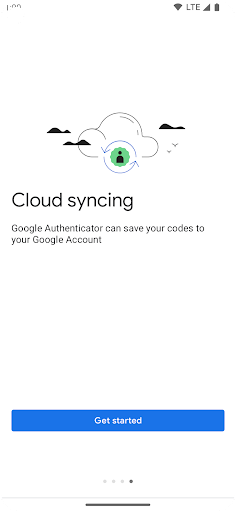
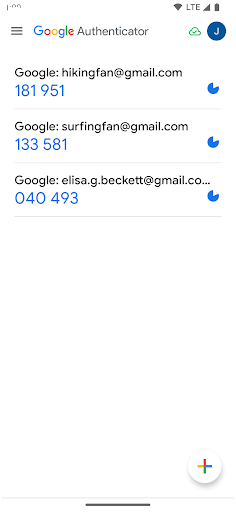
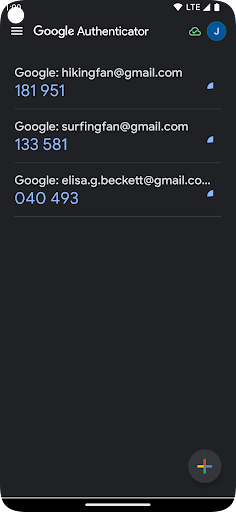
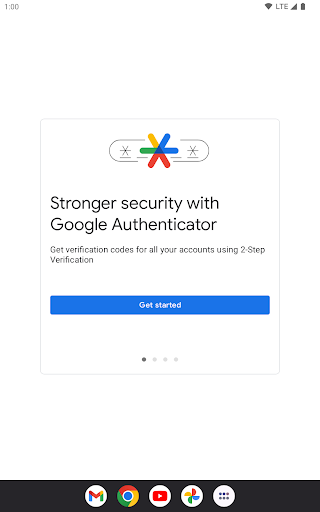
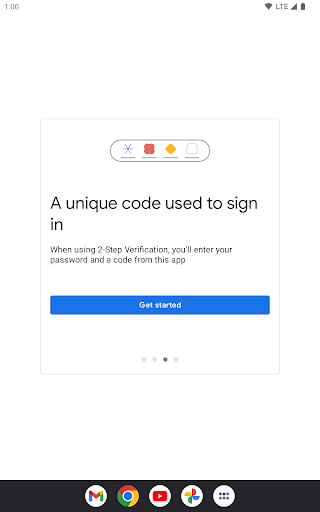
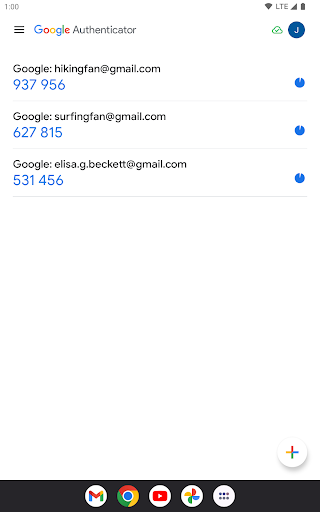
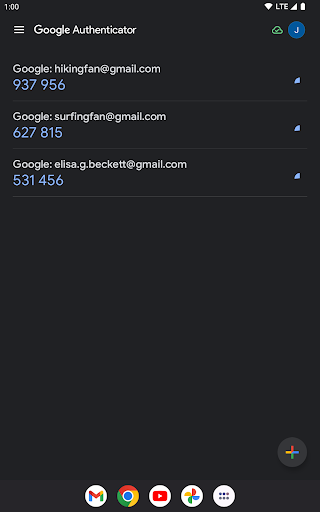
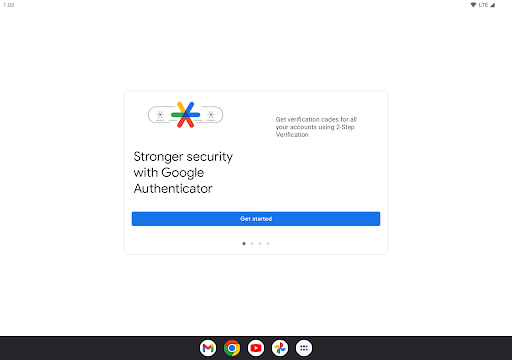

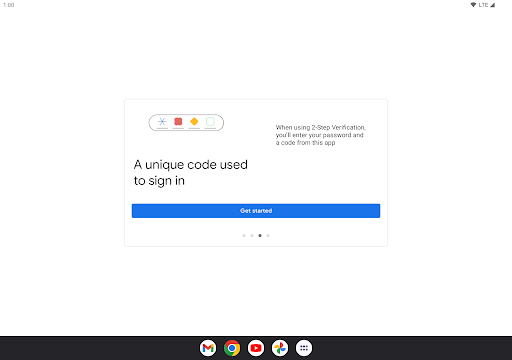
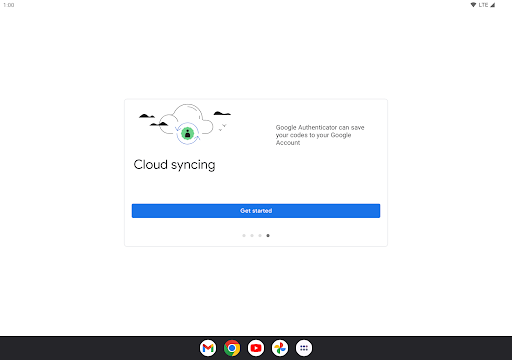
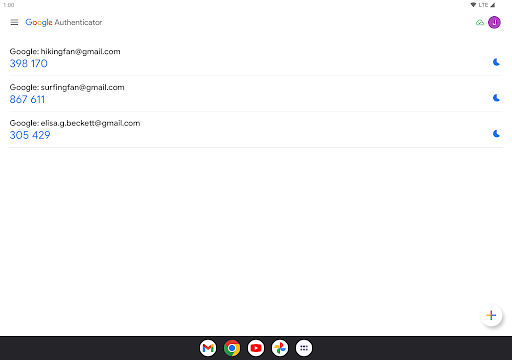
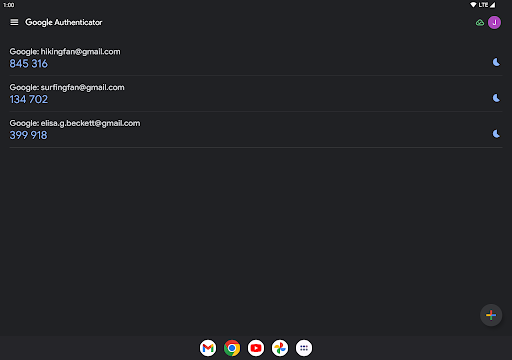
Worried about the security of your online accounts? Amp up your defenses with the Google Authenticator app, a robust and free application designed to enhance your login security with two-factor authentication (2FA). When signing in to your accounts, you'll need both your password and a unique code generated by the Google Authenticator app on your phone. This sophisticated system ensures your private data remains protected, even in the absence of network or cellular connectivity.
The Google Authenticator app is available for both Android and iOS platforms. Just head over to the Google Authenticator download page, and install the Google Authenticator apk for Android or select the installation option for iOS. Once installed, open the app to begin securing your digital life.
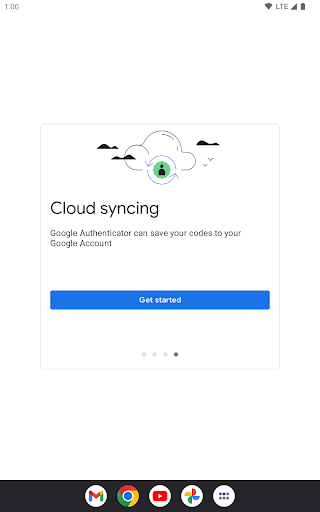
- **Sync Across Devices**: Easily backup and synchronize your codes with your Google Account, offering seamless access across various devices—crucial if you ever misplace your phone.
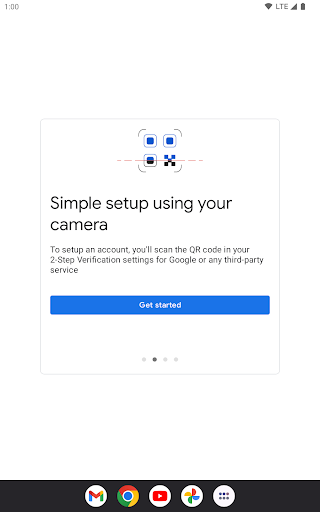
- **QR Code Setup**: Initiate automatic account verification with a simple scan of a QR code, guaranteeing accuracy and speed in setting up your codes.
- **Multi-Account Management**: The app supports numerous accounts, streamlining your verification process for different services without the hassle of switching apps.
- **Code Generation Choices**: With Google Authenticator, you can choose between time-based or counter-based code generation, catering to your preferred security method.
- **Device Transfers**: Migrate your accounts between devices hassle-free using QR codes, making transitions to new technology a breeze.
- **Enhanced Security**: Login Google Authenticator provides an additional layer of security, minimizing the risk of unauthorized account access.
- **Offline Functionality**: Generate verification codes offline, perfect for locations with unreliable network service.
- **User-Friendly**: The app's interface is intuitive, ensuring a swift and stress-free Google Authenticator installation and usage.
- **Phone Dependency**: Losing your phone could mean being locked out of your accounts, unless you've synced with your Google Account.
- **No Cloud Backup by Default**: Initially, there's no cloud backup for your tokens, which could cause issues if you don't configure syncing.
- **Limited Recovery Options**: If you forget to set up backup options or syncing, recovering your access might become a hassle.
- **Regularly Sync**: Ensure that you periodically sync your Authenticator codes with your Google Account to avert potential lockouts.
- **Careful Code Management**: When switching to a new phone, use the provided QR code to securely transfer your codes to avoid disruptions.
- **Backup Codes**: Store backup codes in a secure location as an additional recovery method.
- **Update Regularly**: Keep the app updated to benefit from the latest security improvements and features.
- *Q: How do I get the Google Authenticator app?*
A: You can download Google Authenticator from the Google Play Store or App Store.
- *Q: Is Google Authenticator free?*
A: Yes, the Google Authenticator app is a free tool for enhancing account security.
- *Q: Can I use Google Authenticator on multiple devices?*
A: Yes, by syncing your codes to your Google Account, you can access Authenticator from several devices.
- *Q: How do I recover my account if I lose my phone?*
A: With backup codes, account recovery options, and sync set up, regaining access should be straightforward.
Locking down your digital life has never been easier! Enhance your account security today with the Google Authenticator app.


ADVERTISEMENT

Tools

Tools

Tools

Tools

Tools

Tools

Tools

Tools

Tools

Tools

Tools

Tools

Tools

Tools

Tools

Communication

Social

Social

Finance

Communication

Entertainment

Social

Video Players & Editors

Entertainment

Finance
ADVERTISEMENT


