
ADVERTISEMENT
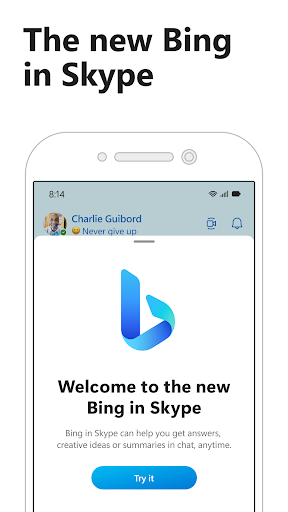
Stay globally connected like never before with the Skype app, now enhanced with the deep integrative power of Microsoft Bing and the intelligence of GPT-4. As an embodiment of sophisticated communication, the Skype apk is available for free download and installation on both Android and iOS devices. Here's what sets the Skype app apart:
1. **AI-Powered Interaction**: The integration of the latest generative language model, GPT-4, enables users to interact conversationally. Pose any question, from travel planning to joke generation, and Bing's AI copilot will assist you, delivering a hands-free experience that's as easy as chatting with a friend.
2. **Universal Communication**: With the ability to connect up to 100 people in a free video call, the Skype app ensures that distance is no barrier. Complementing this is the option to send text messages, voice notes, and express yourself with a vast selection of emojis.
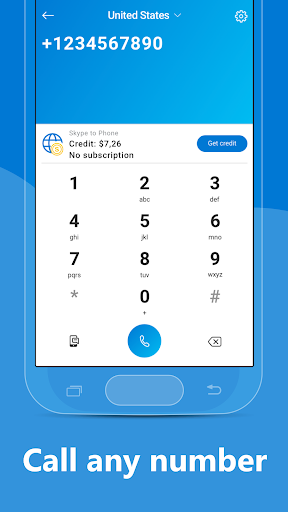
3. **Second Phone Number**: Enhance your privacy with a second phone line. This service keeps your personal and work interactions distinct while facilitating affordable calls globally.
4. **Personalized Content**: The new Today tab brings personalized news straight to your fingertips, catering to your interests and keeping you well-informed and entertained.
5. **Comprehensive Access**: Your contacts, messages, and calls are synchronized seamlessly across devices after a simple Skype login, ensuring your information is up to date.
- **Free to Connect**: Enjoy zero-cost Skype-to-Skype calls, ensuring that you can communicate with friends and family without any additional charges. Do note, standard operator data charges may apply, so a Wi-Fi connection is advisable.
- **Multilingual Capabilities**: With GPT-4, ask ChatGPT in your native language, embracing the app's linguistic versatility and breaking through language barriers effortlessly.
- **Screen Sharing and Emojis**: Whether it's a work presentation or a casual conversation, screen sharing enhances collaboration while emojis add a playful touch to everyday chats.
- **Data Usage**: High-quality video calls can consume significant data, potentially incurring extra charges without an unlimited data plan.
- **Privacy Concerns**: Syncing contacts and using a second number means entrusting personal information to the app, which may cause privacy worries for some users.
- **Feature Availability**: Certain functionalities might be restricted if permissions are not granted, which could limit the overall user experience.
1. **Wi-Fi Connection**: Prefer using a Wi-Fi connection for high-quality calls to ensure uninterrupted service without accruing data charges.
2. **Privacy Settings**: Manage your privacy settings regularly to maintain control over your shared information and second phone number.
3. **Scheduled Calls**: Use Skype's calendar integration to schedule your calls and never miss a meeting or a catch-up session with friends.
4. **Regular Updates**: Keep your Skype app updated to benefit from the latest features and security updates for your Android or iOS device.
- **Is the Skype app free?**
Yes, the Skype app is free to download and install, with many of its core features available at no cost.
- **How do I get a second number on Skype?**
Simply subscribe to a Skype Number from within the app for an affordable way to keep your communication lines distinct.
- **Can I use Skype for international calls?**
Absolutely, Skype allows for affordable international calls to both landlines and mobiles.
Download Skype today, and embrace the future of seamless communication, packaged in a user-friendly app designed to keep the world connected, simply and securely.
ADVERTISEMENT


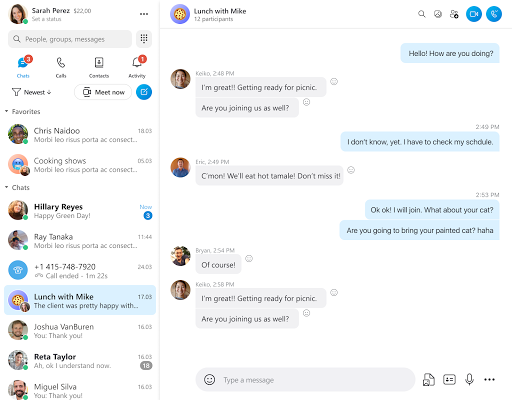
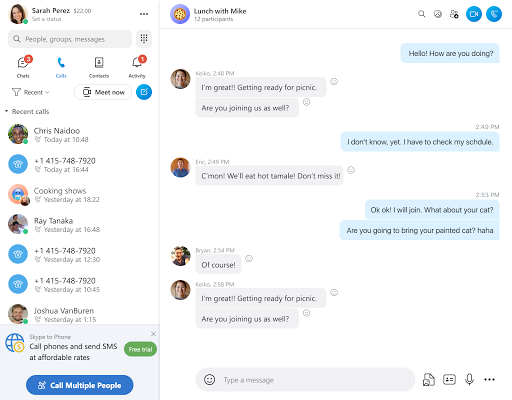
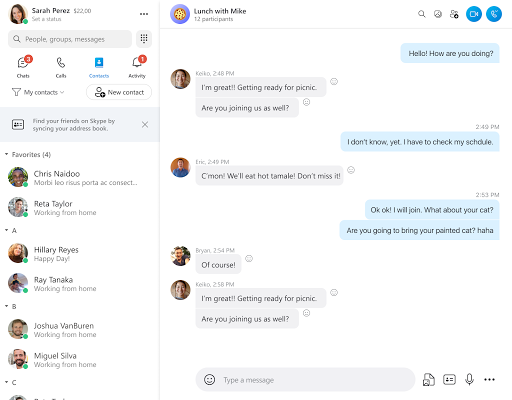
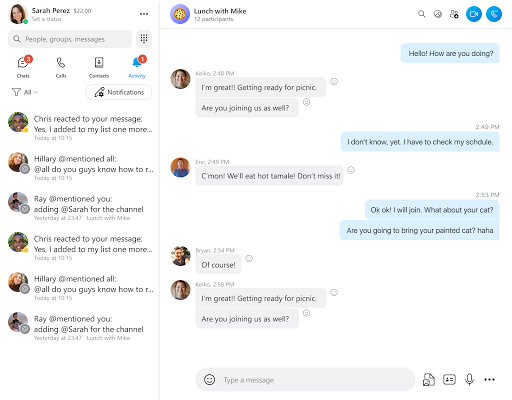
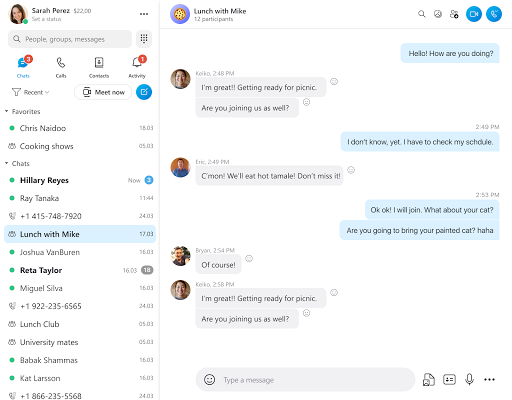
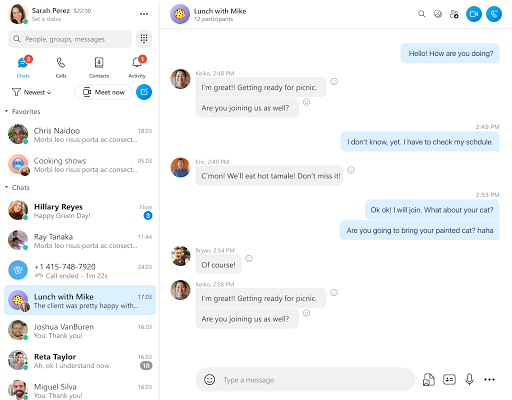
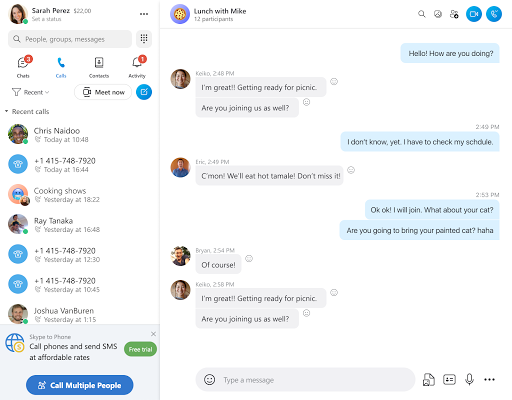
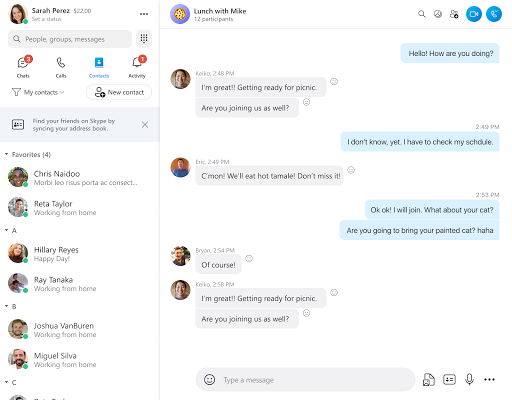
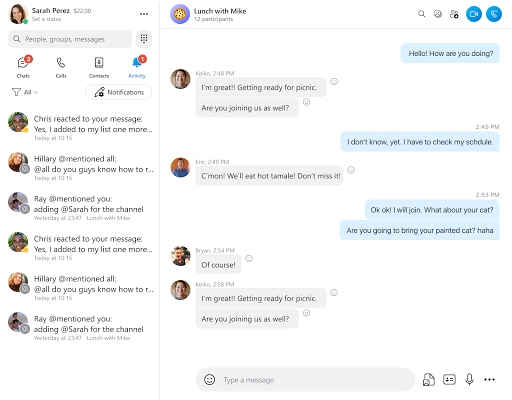
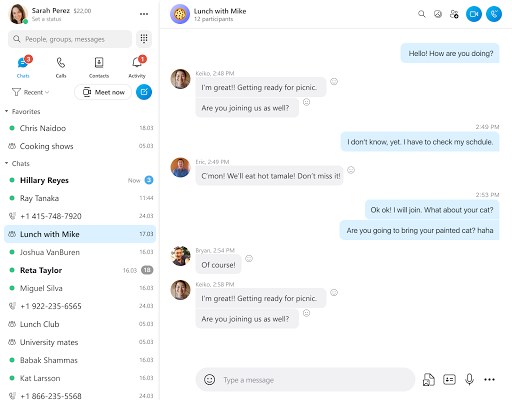
Skype is a free voice over internet protocol (VoIP) service that allows users to make voice and video calls, send instant messages, and share files. Skype is available for Windows, Mac, Linux, Android, and iOS devices.
1. Open the Skype app. 2. Click on the "Me" tab in the top right corner. 3. Click on the "Settings" icon. 4. Scroll down and click on "Account". 5. Click on "Delete my account". 6. Enter your password and click on "Delete my account" again to confirm.
1. Open the Skype app. 2. Click on the "Me" tab in the top right corner. 3. Click on the "Settings" icon. 4. Scroll down and click on "Account". 5. Click on "Change my name". 6. Enter your new name and click on "Save".
Welcome to AppsAnny - your go-to destination for downloading the latest and most popular Android apps. Our mission is to provide a safe, reliable, and user-friendly platform for Android users to discover and download the best apps.
At AppsAnny, our top priority is to deliver top-notch content that is relevant to our users. Our team of experts carefully selects and reviews each app before it is available for download on our platform. We also regularly update our app library to ensure our users can access the latest versions of their favorite apps.
At AppsAnny, we provide a wide range of high-quality apps that cater to all your needs. Our platform is continuously updated with the latest and hot apps, ensuring users can access the most up-to-date apps.
We prioritize providing a seamless and hassle-free app download experience. Our website is easy to navigate, and our download process is quick and secure.
Thank you for choosing AppsAnny as your trusted source for Android apps. We hope you enjoy using our platform and welcome your feedback and suggestions.


