
ADVERTISEMENT
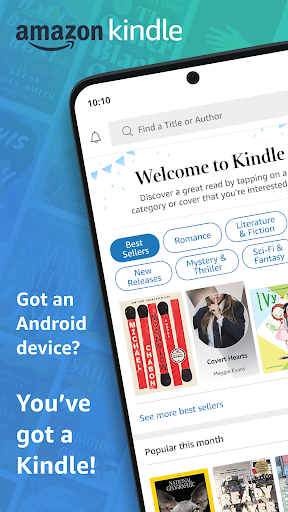
Welcome to the Amazon Kindle app, where reading knows no boundaries. Whether you're commuting, taking a break, or snuggling up in bed, the Kindle app ensures you always have a world of reading at your fingertips. Dive into an ocean of books, magazines, newspapers, comics, and manga with just a few taps on your device. Available for download across Android and iOS platforms, the Amazon Kindle apk offers a seamless reading experience, ready to accompany your every moment with a tale to tell.
The Kindle app is crafted to enhance your reading journey. Experience unparalleled convenience with features designed for book lovers:
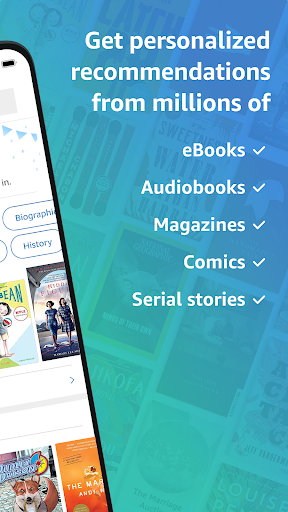
- A vast selection: Access millions of reading materials, including Kindle and Audible books, available with Amazon Prime.
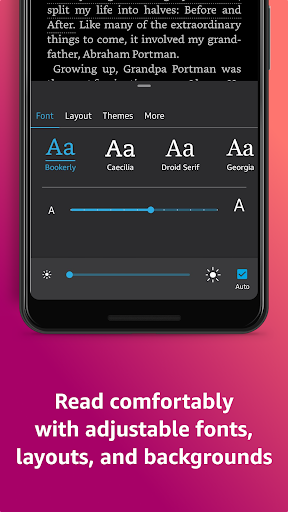
- Customizable reading: Adjust text size, font, brightness, and background to suit your preferences for a comfortable reading experience.
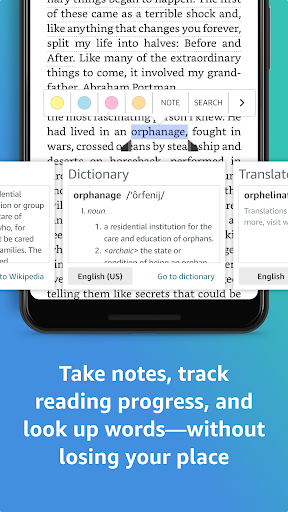
- Research and discovery: Expand your knowledge with the built-in dictionary, X-Ray, Wikipedia, instant translations, and in-book search functionality.
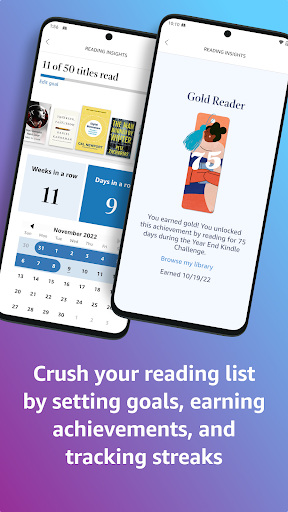
- Reading progress tracking: Keep tabs on how much you've read and how much time remains with insightful reading statistics.
- Synchronization: Continue your reading journey seamlessly across all your devices with automatic sync.
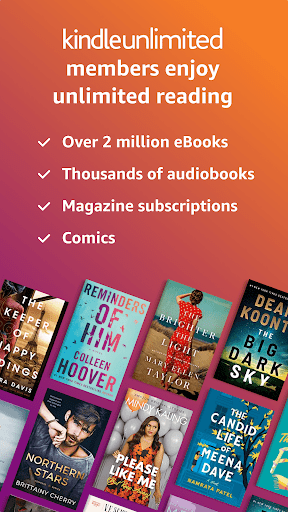
- Unlimited access: Kindle Unlimited members can indulge in over a million titles and audiobooks without limitations.
- Enhanced visuals: Zoom into high-definition color images for an immersive experience in comics and illustrated books.
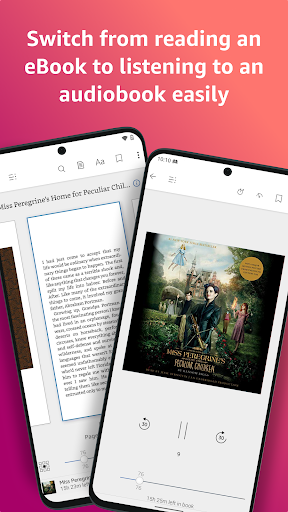
- Audible integration: Switch between reading and listening with the convenience of integrated Audible audiobooks.
- Internet dependency: Continuous access to new titles and sync requires an internet connection.
- Subscription costs: While the app is free, some content and features like Kindle Unlimited require a paid subscription.
- Device storage: Downloading multiple books may consume significant device storage space.
To maximize your Kindle app experience, consider the following:
- Explore samples: Try book samples before you commit to a purchase, to find stories that truly captivate you.
- Customize settings: Tailor your reading mode in the Aa menu to prevent eye strain and ensure hours of comfortable reading.
- Utilize Page Flip: Navigate through books easily without losing your spot, perfect for referencing and exploring.
- Use My Notebook: Keep your notes and highlights organized in one place for quick access and review.
Got questions? Here are some quick answers to common inquiries about the Amazon Kindle app:
- How do I download and install the app? Visit your device's app store, search for 'Amazon Kindle,' and select 'install' to begin the Amazon Kindle download.
- Is the Amazon Kindle app free? Yes, the app is free to download and install, but it offers in-app purchases and subscriptions.
- How do I login to Amazon Kindle? After installation, open the app, and log in using your Amazon account details. If you're new to Amazon, you'll need to create an account first.
Keep these sections in mind, and you're well on your way to an elevated reading experience with the Amazon Kindle app. Happy reading!
ADVERTISEMENT
1. Open the Amazon website or app. 2. In the search bar, type in the name of the book you want to buy. 3. Click on the book title to view the product page. 4. Click on the "Buy now with 1-Click" button to purchase the book. 5. If you are not signed in to your Amazon account, you will be prompted to do so. 6. Enter your payment information and click on the "Place your order" button.
1. Open the Amazon website or app. 2. In the top right corner, click on the "Account & Lists" button. 3. Click on the "Your Devices" link. 4. Click on the "Add a Device" button. 5. Follow the instructions on the screen to add your Kindle to your Amazon account.
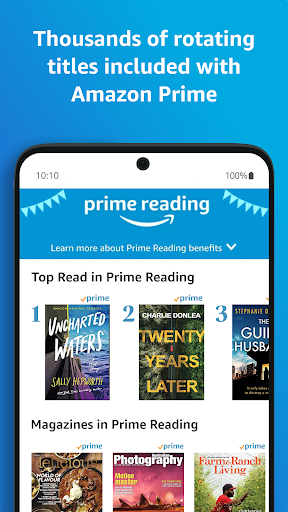
Amazon Prime Amazon Prime is a subscription service that offers free two-day shipping on eligible items, as well as access to Prime Video, Prime Music, and Prime Reading. Kindle Unlimited is a subscription service that offers unlimited access to over 1 million ebooks, audiobooks, and magazines. Amazon Prime does not include Kindle Unlimited. However, Amazon Prime members can get a 30-day free trial of Kindle Unlimited.
Welcome to AppsAnny - your go-to destination for downloading the latest and most popular Android apps. Our mission is to provide a safe, reliable, and user-friendly platform for Android users to discover and download the best apps.
At AppsAnny, our top priority is to deliver top-notch content that is relevant to our users. Our team of experts carefully selects and reviews each app before it is available for download on our platform. We also regularly update our app library to ensure our users can access the latest versions of their favorite apps.
At AppsAnny, we provide a wide range of high-quality apps that cater to all your needs. Our platform is continuously updated with the latest and hot apps, ensuring users can access the most up-to-date apps.
We prioritize providing a seamless and hassle-free app download experience. Our website is easy to navigate, and our download process is quick and secure.
Thank you for choosing AppsAnny as your trusted source for Android apps. We hope you enjoy using our platform and welcome your feedback and suggestions.


