
ADVERTISEMENT

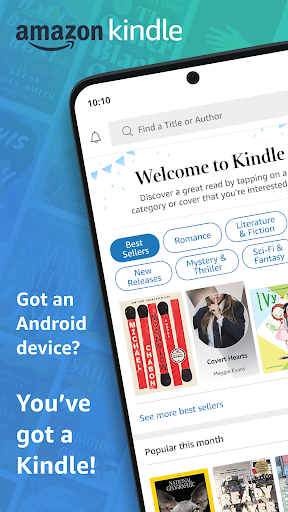
Welcome to the Amazon Kindle app, where reading knows no boundaries. Whether you're commuting, taking a break, or snuggling up in bed, the Kindle app ensures you always have a world of reading at your fingertips. Dive into an ocean of books, magazines, newspapers, comics, and manga with just a few taps on your device. Available for download across Android and iOS platforms, the Amazon Kindle apk offers a seamless reading experience, ready to accompany your every moment with a tale to tell.
The Kindle app is crafted to enhance your reading journey. Experience unparalleled convenience with features designed for book lovers:
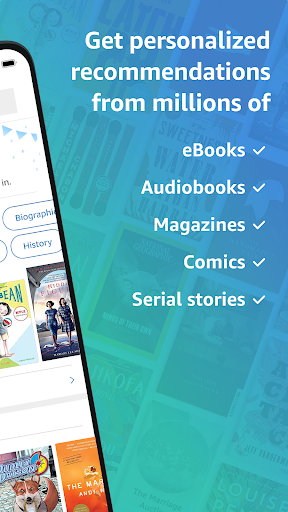
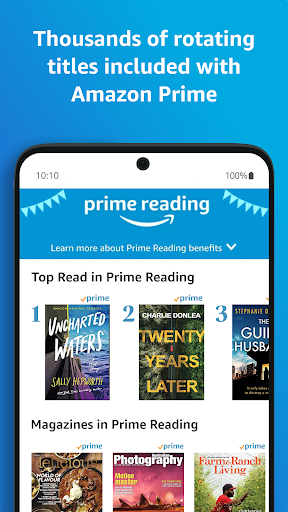
- A vast selection: Access millions of reading materials, including Kindle and Audible books, available with Amazon Prime.
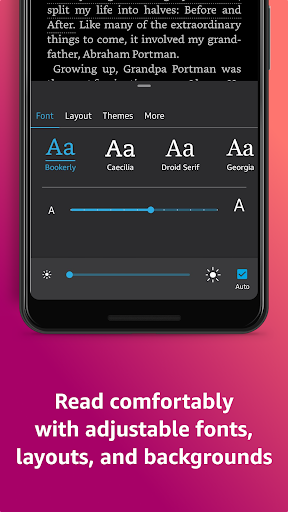
- Customizable reading: Adjust text size, font, brightness, and background to suit your preferences for a comfortable reading experience.
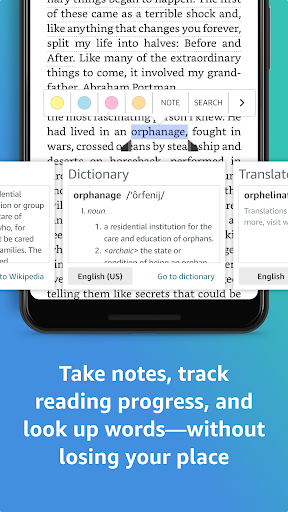
- Research and discovery: Expand your knowledge with the built-in dictionary, X-Ray, Wikipedia, instant translations, and in-book search functionality.
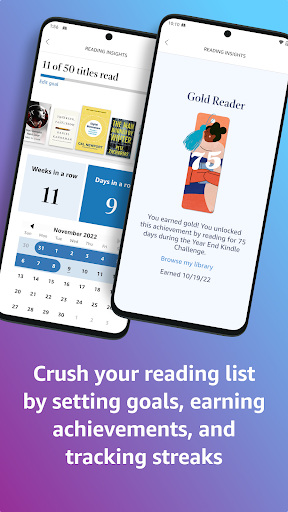
- Reading progress tracking: Keep tabs on how much you've read and how much time remains with insightful reading statistics.
- Synchronization: Continue your reading journey seamlessly across all your devices with automatic sync.
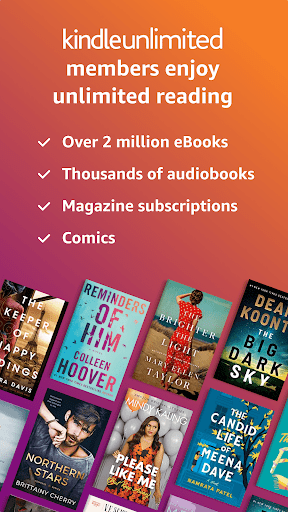
- Unlimited access: Kindle Unlimited members can indulge in over a million titles and audiobooks without limitations.
- Enhanced visuals: Zoom into high-definition color images for an immersive experience in comics and illustrated books.
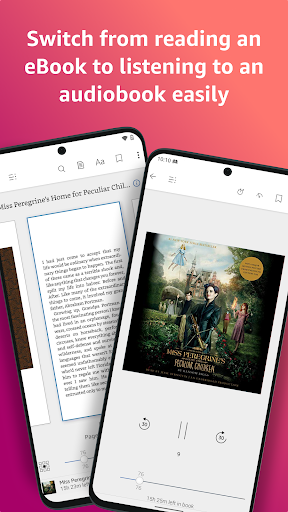
- Audible integration: Switch between reading and listening with the convenience of integrated Audible audiobooks.
- Internet dependency: Continuous access to new titles and sync requires an internet connection.
- Subscription costs: While the app is free, some content and features like Kindle Unlimited require a paid subscription.
- Device storage: Downloading multiple books may consume significant device storage space.
To maximize your Kindle app experience, consider the following:
- Explore samples: Try book samples before you commit to a purchase, to find stories that truly captivate you.
- Customize settings: Tailor your reading mode in the Aa menu to prevent eye strain and ensure hours of comfortable reading.
- Utilize Page Flip: Navigate through books easily without losing your spot, perfect for referencing and exploring.
- Use My Notebook: Keep your notes and highlights organized in one place for quick access and review.
Got questions? Here are some quick answers to common inquiries about the Amazon Kindle app:
- How do I download and install the app? Visit your device's app store, search for 'Amazon Kindle,' and select 'install' to begin the Amazon Kindle download.
- Is the Amazon Kindle app free? Yes, the app is free to download and install, but it offers in-app purchases and subscriptions.
- How do I login to Amazon Kindle? After installation, open the app, and log in using your Amazon account details. If you're new to Amazon, you'll need to create an account first.
Keep these sections in mind, and you're well on your way to an elevated reading experience with the Amazon Kindle app. Happy reading!


ADVERTISEMENT

Communication

Social

Social

Finance

Communication

Entertainment

Social

Video Players & Editors

Entertainment

Finance
ADVERTISEMENT


