
ADVERTISEMENT

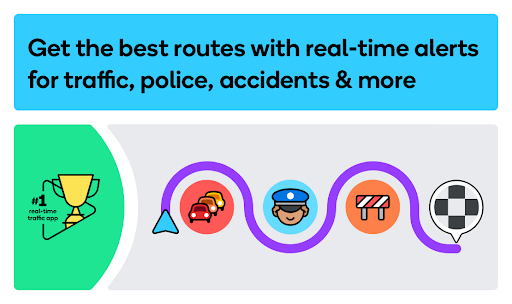
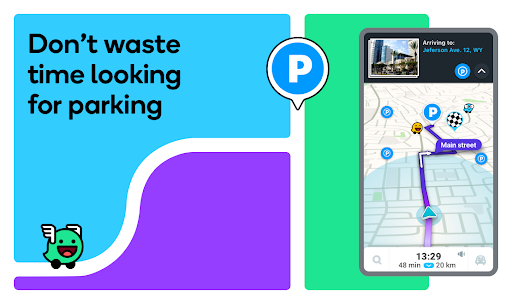
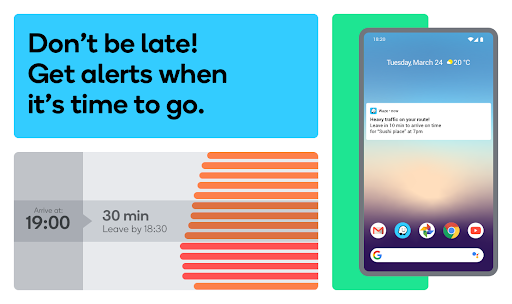
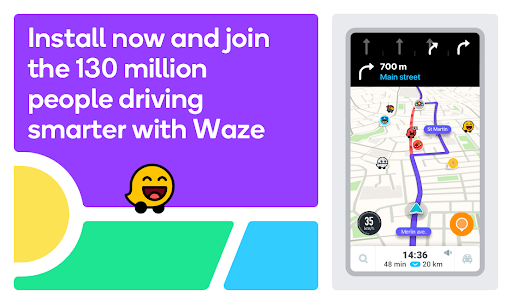
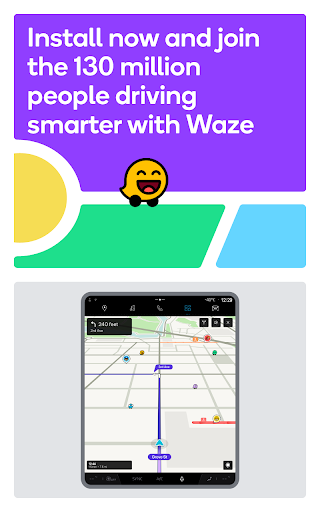
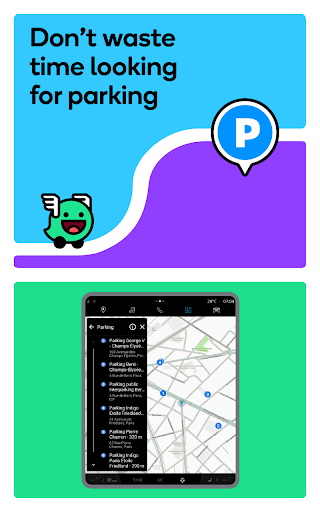
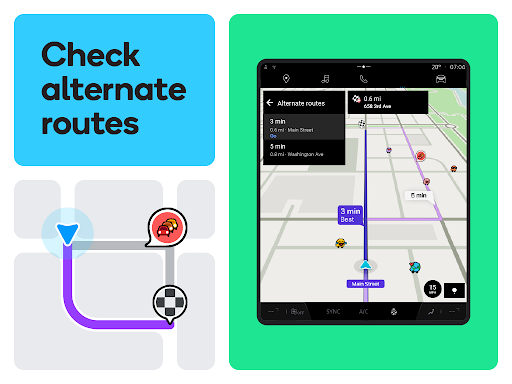
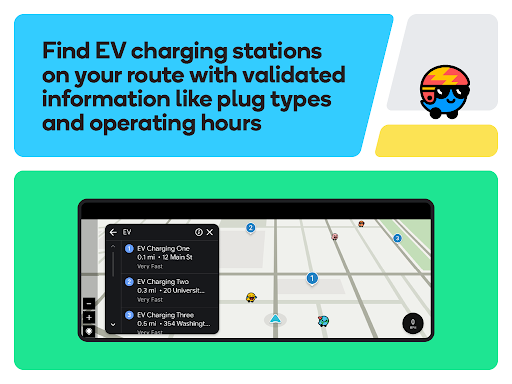
Welcome to your ultimate travel companion – the Waze Navigation & Live Traffic app. As a community-driven platform, it paves the path for millions to reach their destinations efficiently by offering real-time road alerts and constantly updated maps. The essence of Waze lies in its vast network of drivers, making your commute smarter by providing instant updates on traffic, construction, crashes, and police presence. By redefining the concept of mapping and navigation, Waze is not just an app; it's a network of drivers helping drivers to stay informed and save time.
1. Community-Based Updates: Benefit from collective wisdom with real-time alerts from fellow drivers – a standout feature that keeps your journey hassle-free.
2. Optimal Routing: Waze provides the best routes, minimizing your time stuck in traffic, a much-needed escape from congested roads.
3. Safety Alerts: Stay ahead of the game with notifications about police, speed cameras, and red light cameras, helping you avoid traffic violations.
4. Smart ETAs: Receive more accurate estimated times of arrival that take into account a plethora of live factors, from traffic conditions to weather.
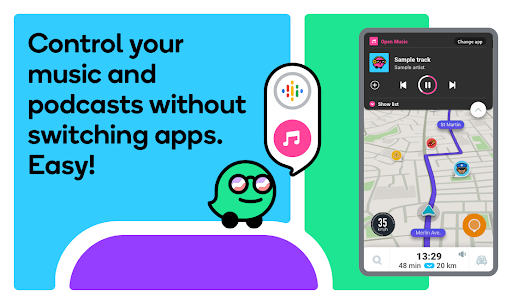
5. Resourceful Integration: Leverage Android Auto for a seamless in-car experience and manage your preferred audio apps without ever leaving the Waze app.
1. Real-Time Alerts: Waze's strength lies in its fresh, up-to-the-second data on road conditions, directly influencing your drive.
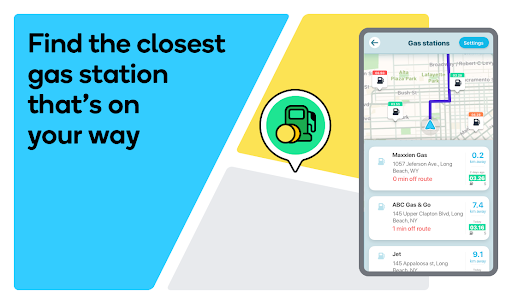
2. Cost Savings: With insights on the cheapest gas prices and toll costs, Waze helps you save money during your travels.
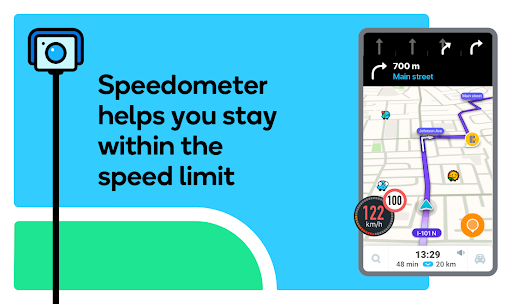
3. Customization: Enhance your driving experience with directions voiced by celebrities and an adjustable live speedometer based on your preferences.
1. Reliance on Data: Waze requires an active internet connection, which could be problematic in areas with weak mobile signals.
2. Battery Usage: Running Waze, especially on long routes, can drain your device’s battery faster due to its extensive use of GPS and data.
3. Overwhelming Information: Some users may find the stream of alerts and notifications distracting, especially during complex driving situations.
1. Manage Notifications: Tailor your alert preferences in the app to avoid overload and maintain focus on the road.
2. Plug-In: For extended trips, connect your device to a power source to ensure uninterrupted access to Waze's features.
3. Pre-Load Routes: Even with less reliable data coverage, you can pre-load your route while connected to Wi-Fi to continue receiving guidance.
4. Update Regularly: Keep your Waze Navigation & Live Traffic app updated for the latest features and improvements in functionality and security.
Q: Can I use Waze Navigation & Live Traffic app offline?
A: Waze works best with an active internet connection but pre-loading your route while on Wi-Fi can help navigate when offline temporarily.
Q: How does Waze obtain its traffic data?
A: Traffic data is sourced from the active Waze community of drivers who share real-time road information.
Q: Is it safe to use Waze while driving?
A: Yes, when used responsibly. It's designed to minimize driver distraction. Use voice commands and do not manipulate your device while driving.
Q: Is the Waze Navigation & Live Traffic app free?
A: Yes, it's a free Waze Navigation & Live Traffic app available for download on both Android and iOS devices.
Ensure you’re well-equipped for your journey by downloading the Waze Navigation & Live Traffic apk and accomplish your Waze Navigation & Live Traffic install to join the vast Waze community. Keep your routes seamless, login Waze Navigation & Live Traffic for a safer commute and embrace the intelligent driving lifestyle.


ADVERTISEMENT

Communication

Social

Social

Finance

Communication

Entertainment

Social

Video Players & Editors

Entertainment

Finance
ADVERTISEMENT


