
ADVERTISEMENT

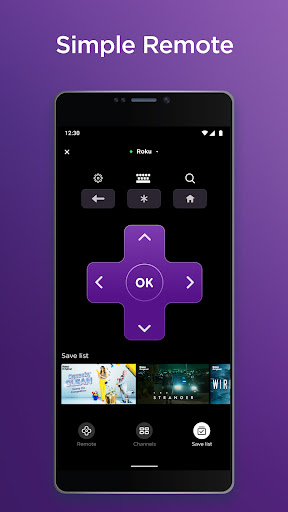
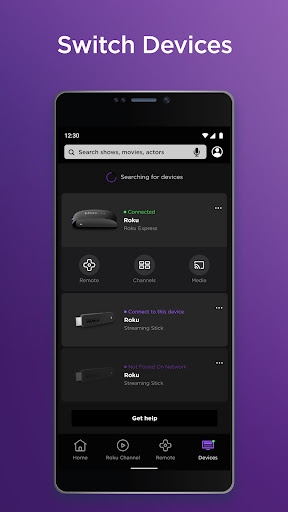
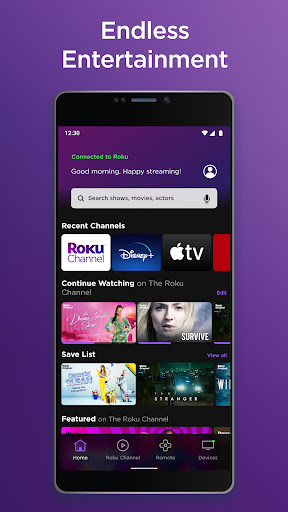
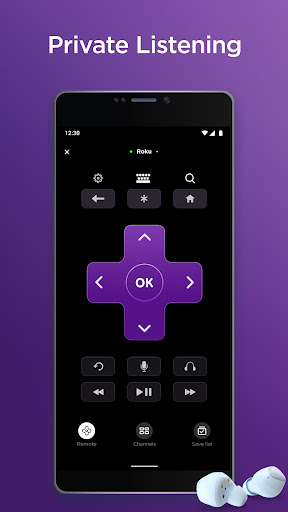
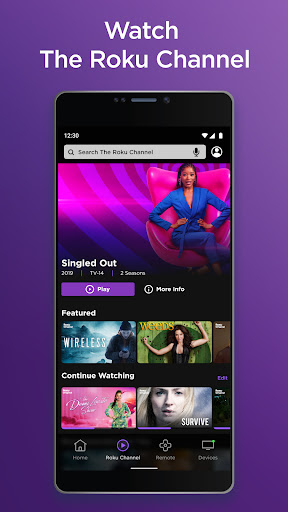
The Roku App (Official) app serves as your ultimate streaming companion, enhancing your entertainment experience on both Android and iOS devices. With a free download of The Roku App (Official) apk, you gain access to several powerful features:
1. **Remote Control Functionality**: Effortlessly control your Roku devices with the in-app remote, mimicking the physical remote's utility.
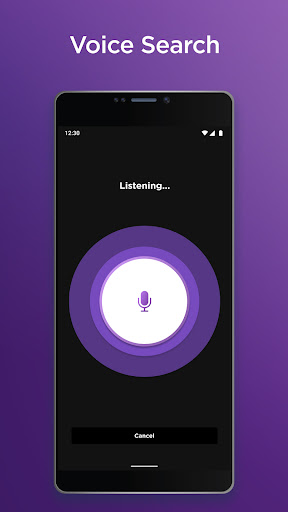
2. **Voice and Keyboard Search**: Quickly locate your favorite movies and TV shows with the ease of voice commands or the convenience of your mobile keyboard.
3. **Private Listening with Headphones**: Dive into your streaming content without disturbing others by connecting headphones to your device for private listening.
4. **Streaming and Casting Media**: Not only can you stream free movies and live TV via The Roku Channel, but you can also cast photos and videos directly from your phone to your TV for a larger viewing spectacle.
5. **Channel Management**: Simplify your viewing experience by adding and launching channels on your Roku devices through the app, streamlining your entertainment setup.
Make sure you are on the same Wi-Fi network as your Roku device to fully utilize these features. Some functionalities may require a compatible Roku device and logging into your Roku account.
1. **Convenience at Your Fingertips**: Control all Roku devices without the need for separate remotes. The Roku App (Official) installation brings control to your smartphone.
2. **Enhanced Search**: Save time with the efficient voice and keyboard search options, helping you find content much quicker than traditional input methods.
3. **Added Streaming Value**: The Roku App (Official) not only allows for basic remote functions but also provides extra streaming content via The Roku Channel, all for free.
1. **Limited Availability**: Some app features such as The Roku Channel are available only in the US, restricting international users from accessing all the content.
2. **Network Dependency**: The necessity of being on the same network for certain features can limit functionality in situations where Wi-Fi is not consistent or available.
3. **Channel Costs**: While the app is free, some premium channels might require additional payment, which can increase your overall streaming costs.
1. **Network Connection**: Ensure you have a stable Wi-Fi connection before you install The Roku App (Official) and begin streaming for the best experience.
2. **Account Syncing**: For a smoother experience with personalization, login to The Roku App (Official) with your Roku account to sync your preferences across devices.
3. **Headphone Use**: Take advantage of the private listening feature by connecting your headphones during late-night streaming to avoid disturbing others.
4. **Device Compatibility**: Check your device compatibility before you download The Roku App (Official) to ensure a seamless setup and user experience.
- **Q: Is the Roku App (Official) free to download and use?**
- **A:** Yes, the app is free to download and provides free content, though some channels may require a subscription or one-time payment.
- **Q: Can I install The Roku App (Official) on any mobile device?**
- **A:** The app is available for most iOS and Android devices, so you should be able to install The Roku App (Official) on your smartphone or tablet.
- **Q: Do I need to login to The Roku App (Official) every time I use it?**
- **A:** After your initial login, the app usually keeps you signed in unless you manually log out or clear your app data.
For more information and assistance with the Roku App (Official), visit http://support.roku.com. Embrace the convenience of mobile streaming control and content access by downloading The Roku App (Official) app today.


ADVERTISEMENT

Entertainment

Entertainment

Entertainment

Entertainment

Entertainment

Entertainment

Entertainment

Entertainment

Entertainment

Entertainment

Entertainment

Entertainment

Entertainment

Entertainment

Entertainment

Entertainment

Entertainment

Entertainment

Entertainment

Communication

Social

Social

Finance

Communication
Entertainment

Social

Video Players & Editors
Entertainment

Finance
ADVERTISEMENT


